

How to See Who is Sharing Jobs
Updated 7 years ago
JobScore not only tracks when your co-workers share jobs, but also anyone who visits your careers site. Here's how you can see who is sharing the jobs:
Click on Jobs in the main navigation to visit the Job Manager
Looking at the jobs you will see an Activity section that will give you a number of Shares

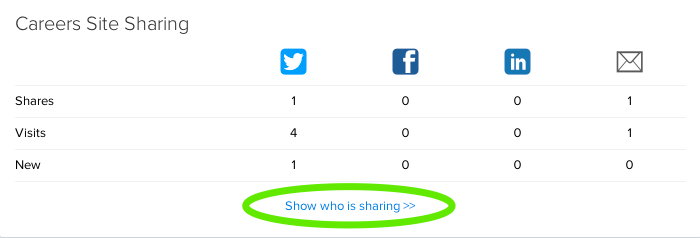
Clicking this Share section will show you an overview of sharing totals for both Employees and Careers Site.
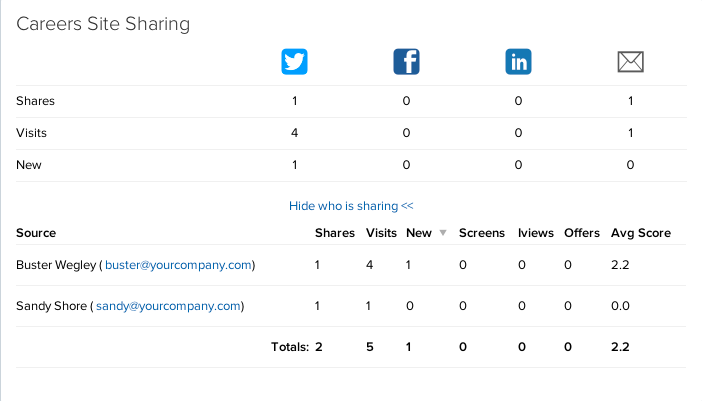
For more detail on both, click Show who is sharing >> to see
Who has shared the job
How many shares are associated with the sharer's email address
The number of views, applications received, and the average score of the candidates who applied for the job
Was this helpful?