

Where can I find the reason for a declined candidate?
Updated 8 years ago
Sometimes you wonder what happened to a candidate after they were processed. There is a simple way to find a candidate's disposition reason:
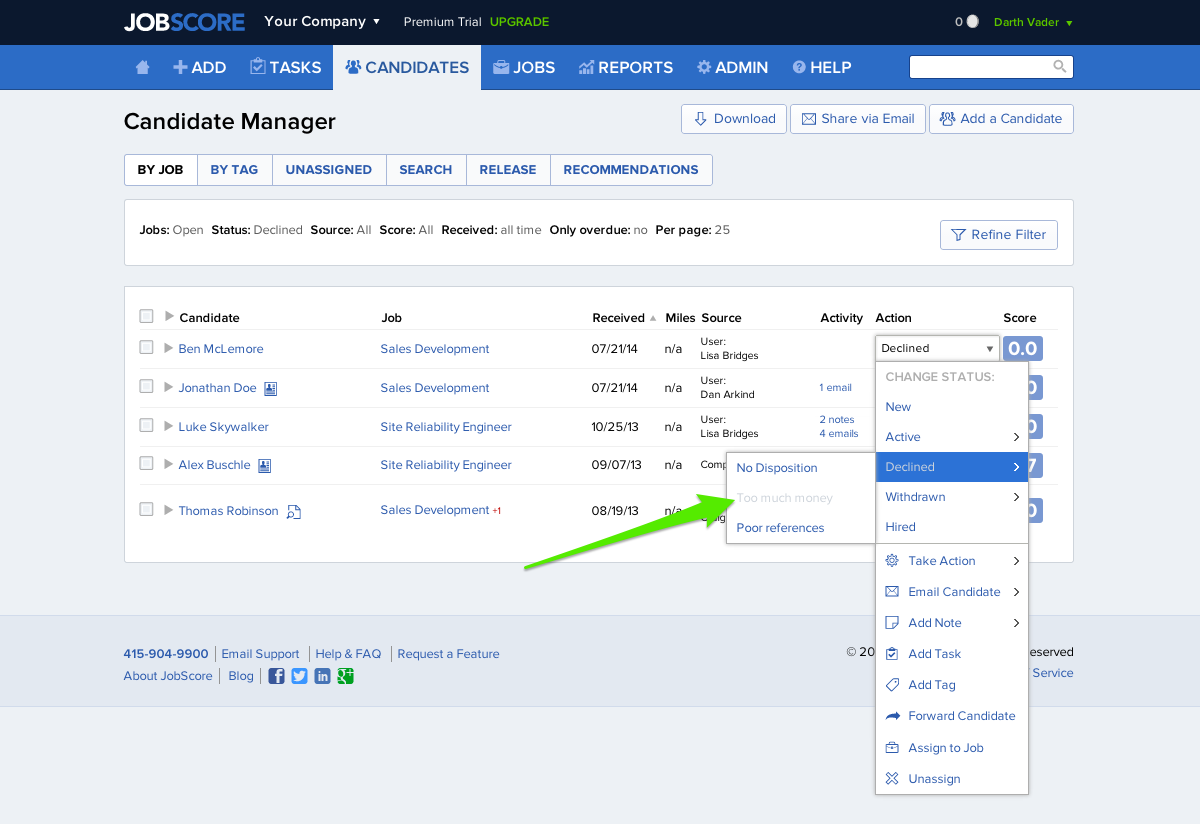
From the Candidates tab set your filter to identify Declined candidates.
Find the Candidate who you are curious about and click the Action Menu
Hover on the disposition code
If disposition reasons have been turned on they will appear. The disposition reason will be greyed out as seen below:
Was this helpful?