How do I use the Paylocity HRIS integration?
Updated 2 years ago
The Paylocity integration creates new employee records in Paylocity when you hire candidates in JobScore. After you hire the candidate in JobScore you can choose to add them to Paylocity:
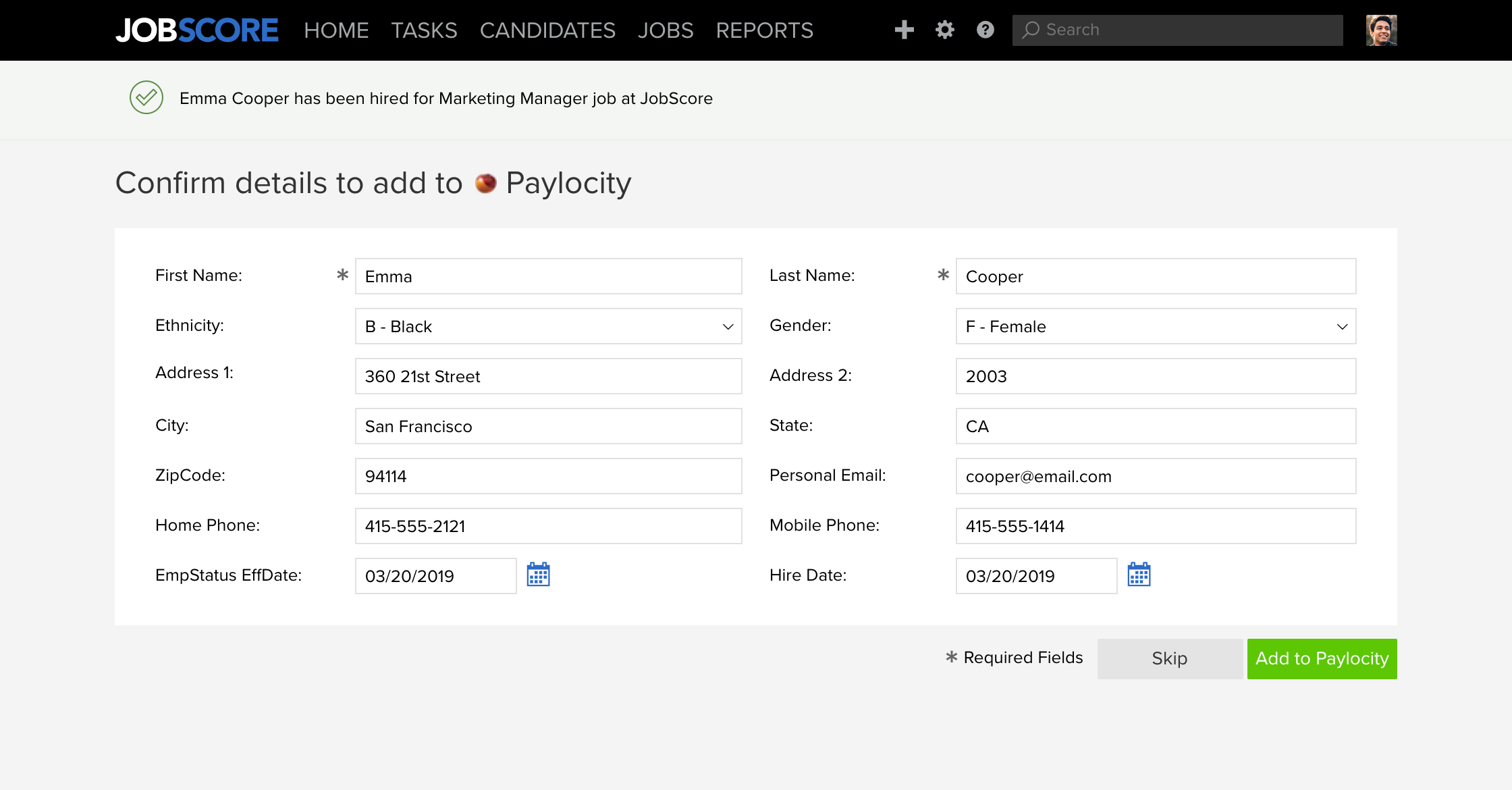
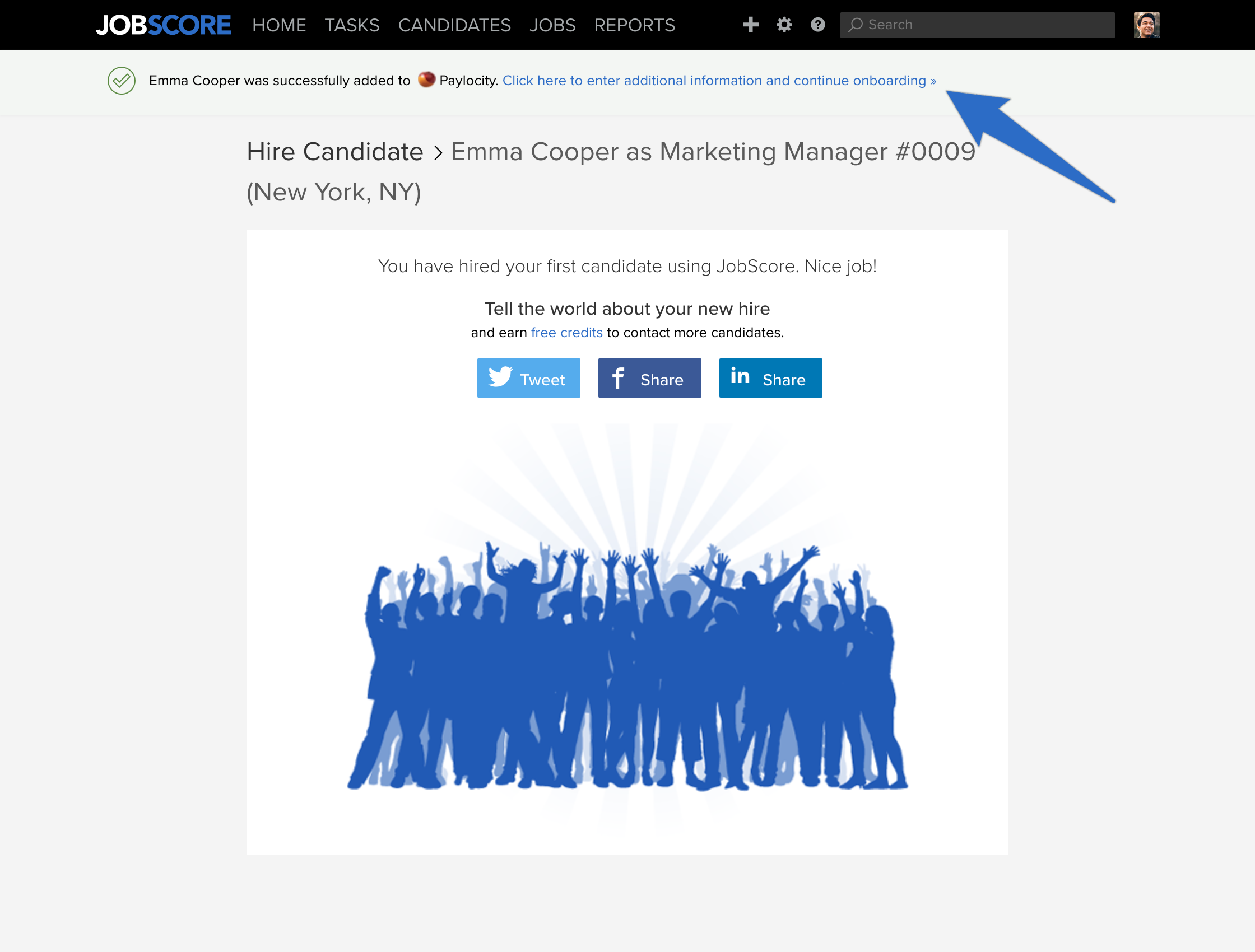
After you click the "Add to Paylocity" button a confirmation screen will be shown. At the top of this screen is a link to a list of newly created records in Paylocity. All you have to do is click to onboard the new hire:
JobScore will insert a new employee record with this information in Paylocity. You can look up and edit the employee's profile by clicking on the Action button if you need to add additional information:
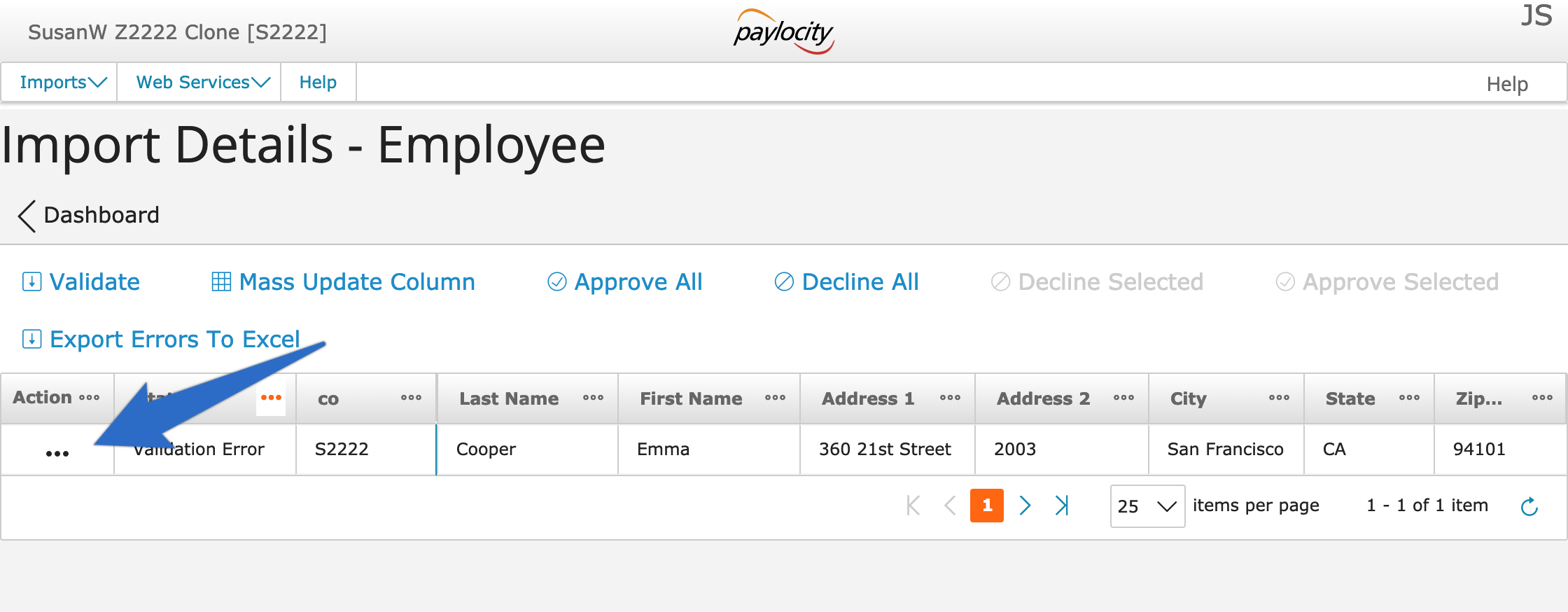
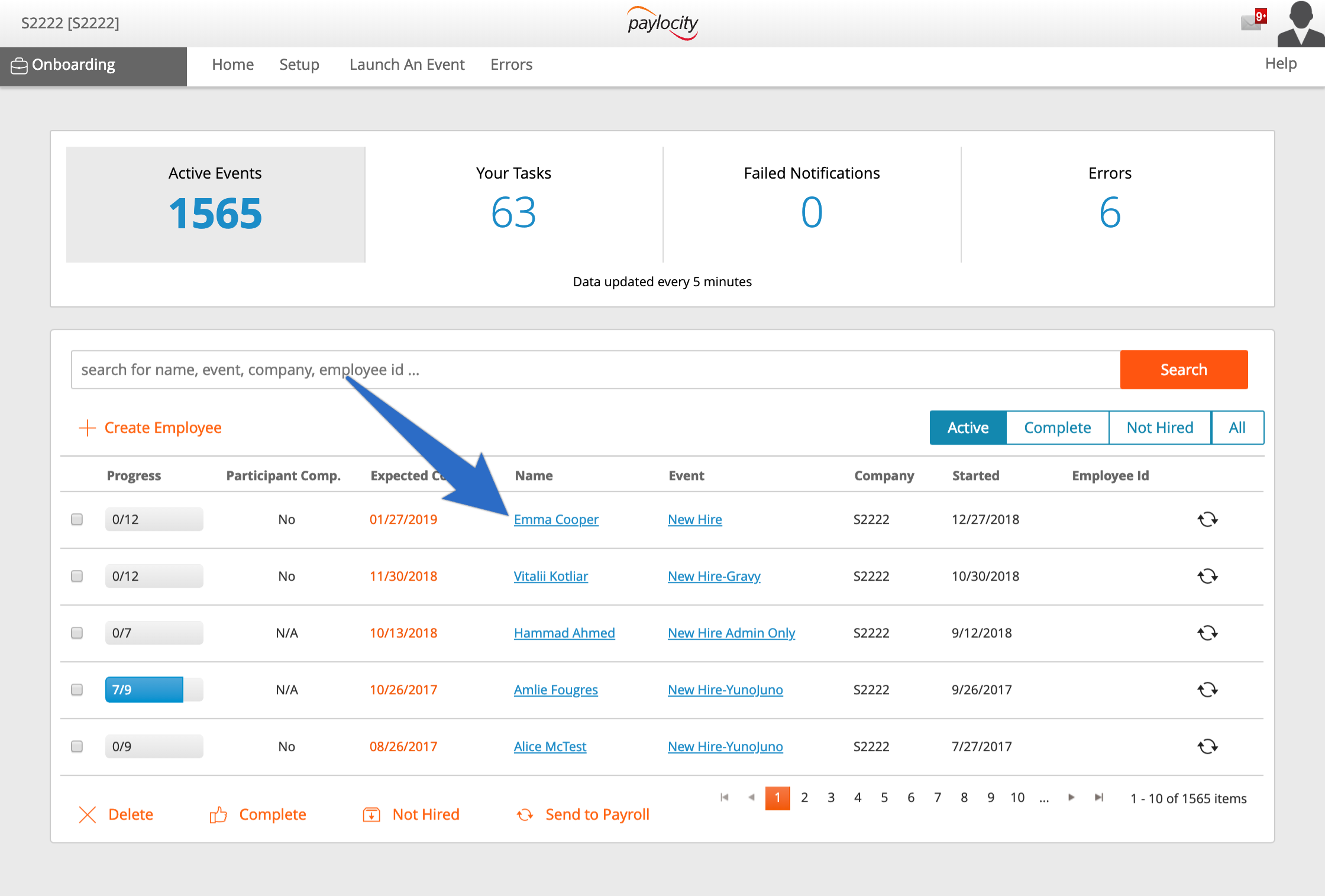
And here's the screen you'll need to use if you have Paylocity Onboarding. Just click on the candidate's name to get started:
Data fields sent to Paylocity
New employee and onboarding records sent to Paylocity will have the following fields set from the candidate profile and accepted offer fields stored in JobScore: First & last name, home address, home email, home phone, ethnicity, gender as reported on EEO/OFCCP forms, offer accepted date, hire date, job title, employment type, and hourly/salary pay details.
How to activate the Paylocity Integration
Step 1:
Send an email to [email protected] to request paylocity to enable the integration.
Step 2:
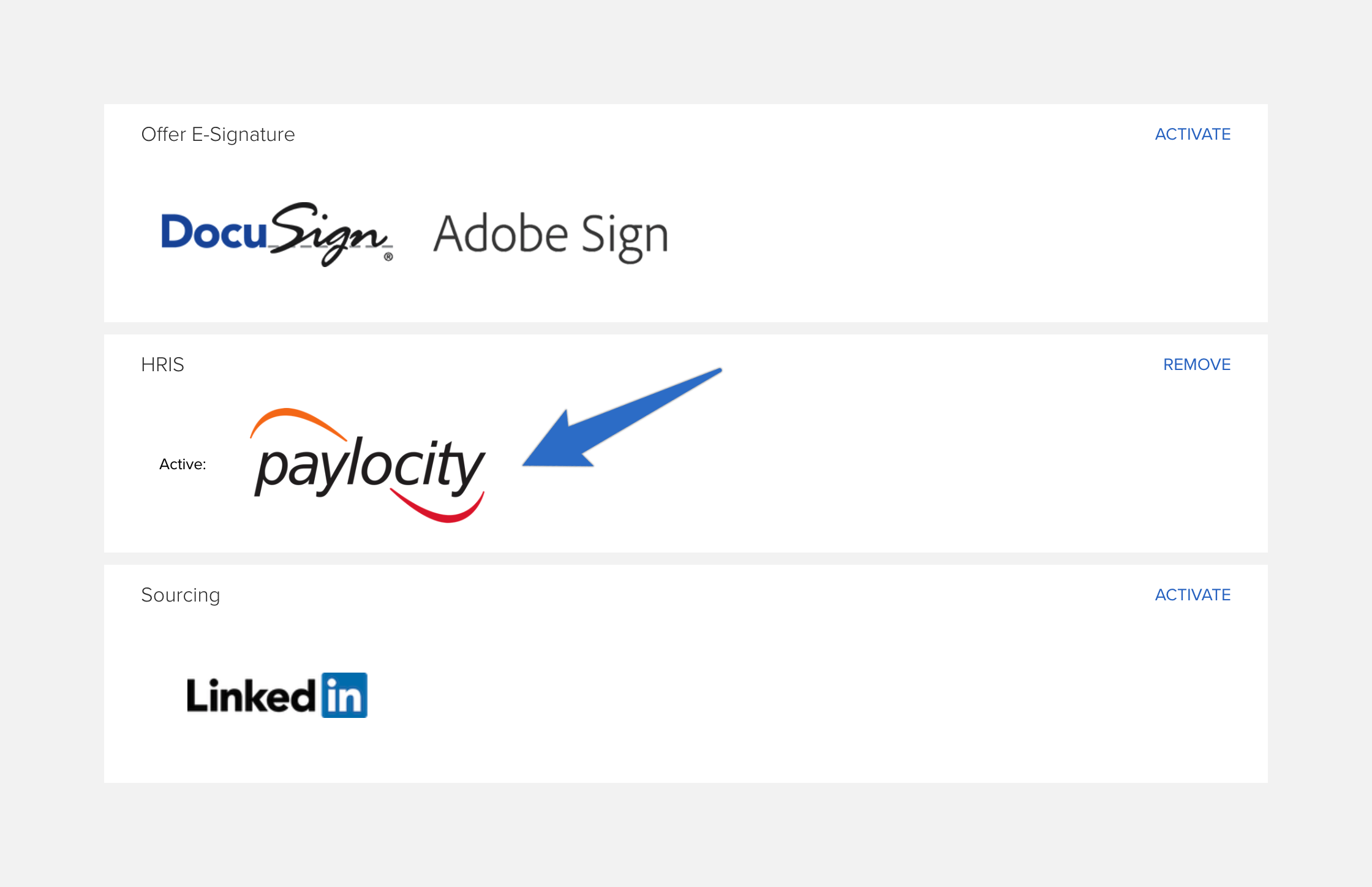
After you speak with your contact at paylocity & complete the required steps they will notify our team. Once we process their request the integration will appear as active on your integrations page here, like this: