

Placeholder answer in one or two sentences.
Section Patterns
Updated 2 weeks ago
Ready-made section layouts built from Ferndesk blocks, the help center counterpart of corpsite's section patterns. Copy a pattern's structure instead of composing a layout from scratch. The block-by-block reference is in Content Blocks, in this same collection. All text inside the patterns is placeholder copy, not product information.
Single-column section
The default for almost every section: a heading, a one-sentence opener that answers the heading, then the detail. Corpsite equivalent: raw sections.
Placeholder opener. The first sentence of a real section states the answer or the first action, so a reader who lands on this heading gets what they came for in one line.
Placeholder detail. Follow-up paragraphs hold the conditions, limits and next steps, one idea per paragraph and three sentences at most.
Two columns: image and text
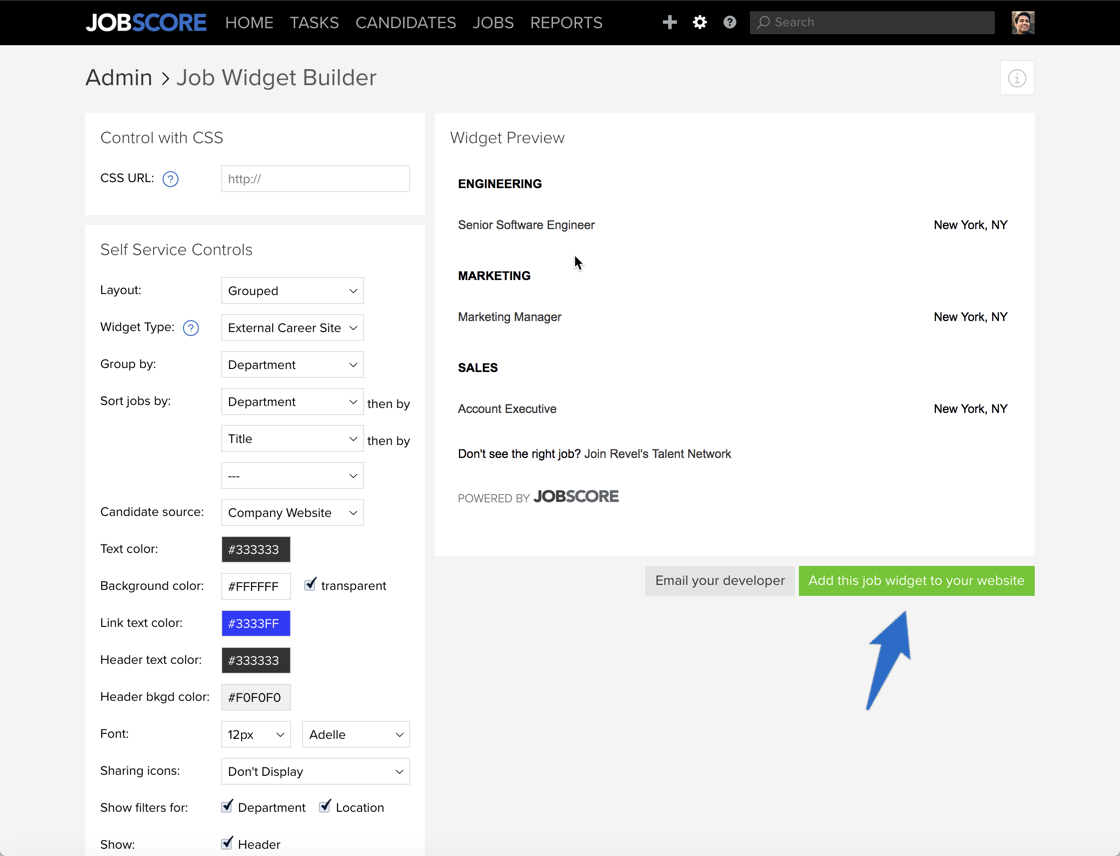
data-columns="2" with an image in the first column. Use it to pair a screenshot with the explanation of what it shows. Corpsite equivalent: two-column banner with image.
Placeholder heading
Placeholder text that explains what the screenshot shows and why the reader is looking at it.
Placeholder point one
Placeholder point two
Placeholder point three
Two columns: text and image
The same pattern mirrored, with the image in the second column. Alternate the two when a page has several of them in a row.
Placeholder heading
Placeholder text for the first paragraph next to the image.
Placeholder text for a second, shorter paragraph.
Two columns: text and video
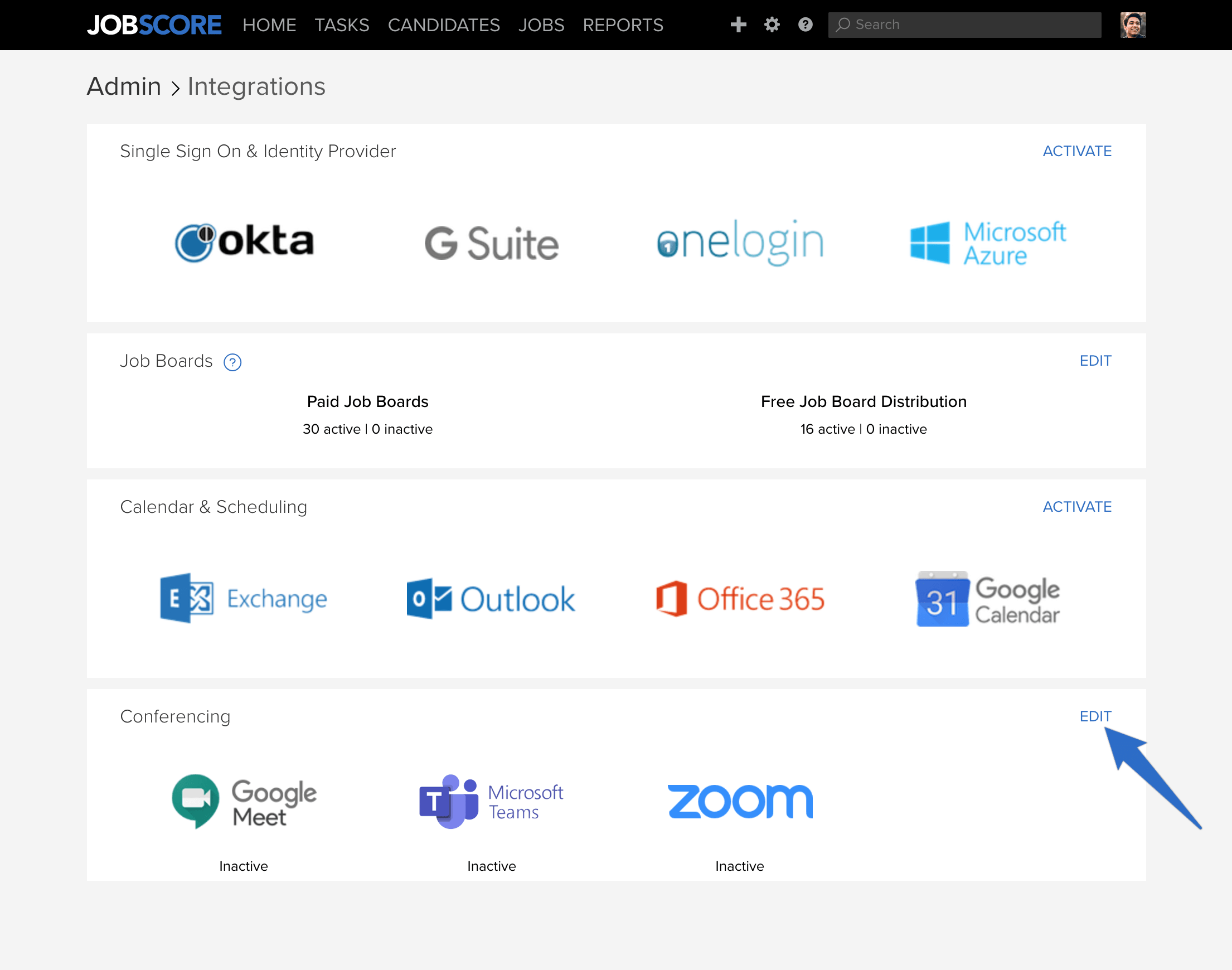
A short walkthrough video next to its summary. Corpsite equivalent: banner with video.
Placeholder heading
Placeholder summary of what the video walks through, so a reader can decide whether to watch it.
Feature list in three columns
data-columns="3", each column a bold lead-in and one or two sentences. Use it for short, parallel points. Corpsite equivalent: grouped topics.
First point. Placeholder sentence for the first point.
Second point. Placeholder sentence for the second point.
Third point. Placeholder sentence for the third point.
Card grid
Cards inside columns, each linking to an article. Use it on overview pages that send readers to the right next article. Corpsite equivalent: card sections.
Job templates
Placeholder one-line description of the linked article.
Standard email templates
Placeholder one-line description of the linked article.
Action templates
Placeholder one-line description of the linked article.
Numbered sections
The steps component, for a procedure where each step needs its own explanation. A plain numbered list is better when every step fits in one sentence. Corpsite equivalent: numbered sections.
1
First step title
Placeholder explanation of the first step.
2
Second step title
Placeholder explanation of the second step.
3
Third step title
Placeholder explanation of the third step.
Comparison table
A heading, a one-line opener, then a table. Use it for reference facts the reader compares across rows. Corpsite equivalent: simple table.
Column A | Column B | Column C |
|---|---|---|
Row 1, A | Row 1, B | Row 1, C |
Row 2, A | Row 2, B | Row 2, C |
Row 3, A | Row 3, B | Row 3, C |
FAQ section
A group of collapsible questions, each answer one or two sentences. Corpsite equivalent: FAQ section.
Placeholder question one?
Placeholder question two?
Placeholder answer in one or two sentences.
Placeholder question three?
Placeholder answer in one or two sentences.
Closing call to action
A short closing paragraph and one button, at the end of an article only. Corpsite equivalent: footer CTA.
Placeholder closing sentence that tells the reader where to go next.
Was this helpful?
Was this helpful?