

Placeholder answer in one or two sentences.
Content Blocks
Updated 2 weeks ago
Every block the Ferndesk editor can produce, rendered with the JobScore theme. Each block sits under a heading with its name, and the line below the heading gives the HTML that produces it, so this page doubles as the reference for authoring by hand or through the API. All sample text is placeholder copy, not product information.
Text
Paragraph and inline formatting
<p> with <strong>, <em>, <code>, <mark> and <a>.
This is a placeholder paragraph of body text. It shows bold text, italic text, inline code, highlighted text and a link to the JobScore site. It runs long enough to wrap, so the line length and line height are easy to judge.
A second placeholder paragraph shows the spacing between paragraphs.
Headings
<h2> for sections and <h3> for subsections. The article title is the only H1. Both levels feed the table of contents on the right.
Divider
<hr>
Lists
Bulleted list
<ul>, nested one level.
First bullet item
Second bullet item, with a nested list:
Nested item one
Nested item two
Third bullet item
Numbered list
<ol>, the format for every procedure.
First placeholder step.
Second placeholder step.
Third placeholder step.
Checklist
<ul data-type="taskList">. Readers can tick the boxes.
A completed item
An open item
Another open item
Media
Image
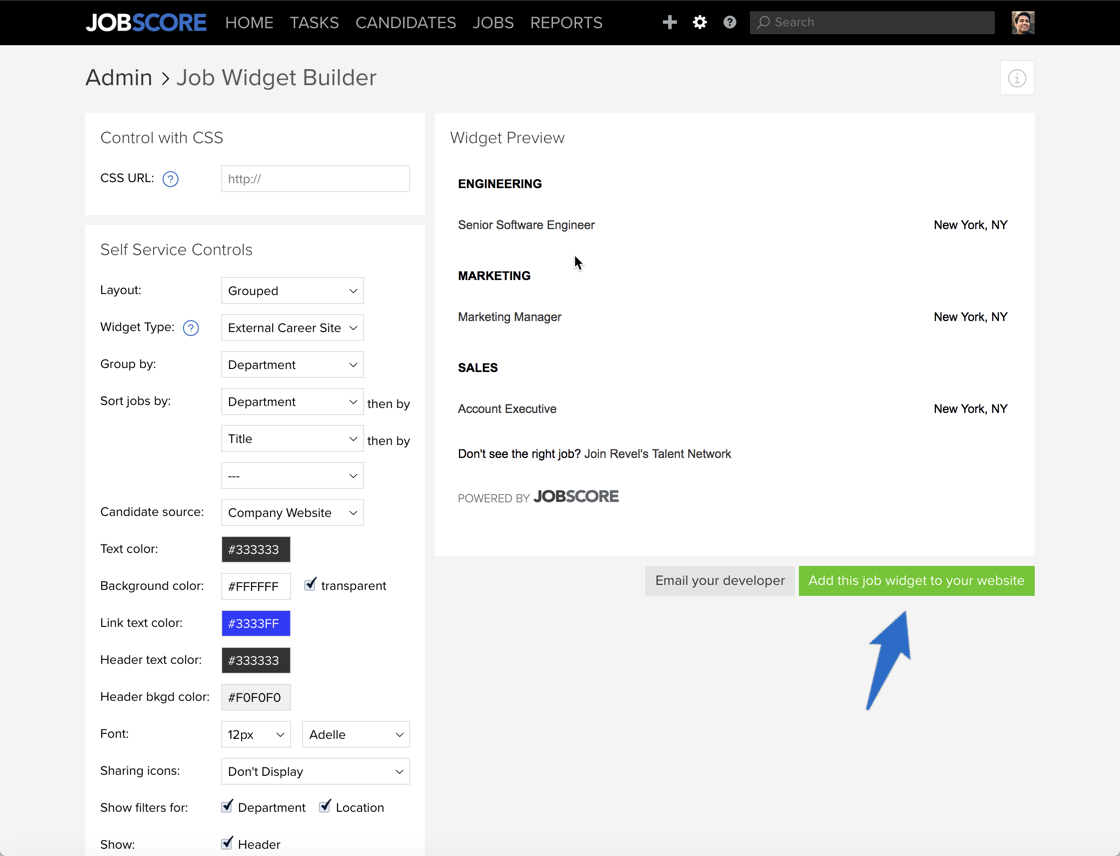
<img src alt>. Screenshots get a hairline frame and a soft shadow from the theme.
Video embed
<iframe data-provider="vimeo">. YouTube, Wistia, Loom, Tella and Dailymotion work the same way.
Structure
Table
<table> with a <th> header row. Migrated tables use a bold first row instead, which the theme styles the same way.
Column A | Column B | Column C |
|---|---|---|
Row 1, A | Row 1, B | Row 1, C |
Row 2, A | Row 2, B, with longer text that wraps onto a second line | Row 2, C |
Row 3, A | Row 3, B | Row 3, C |
Blockquote
<blockquote>. Many migrated articles use it for tips and for copyable commands.
Placeholder quoted text, the way migrated articles use blockquotes for tips.
Collapsible section
<details><summary>. Use it for FAQs and optional depth.
Placeholder question one?
Placeholder question two?
Placeholder answer in one or two sentences.
Code
Code block
<pre><code class="language-…">, with an optional file name.
{
  "title": "Sample title",
  "location": "Sample location",
  "status": "sample"
}
Multi-language code
<div data-type="multi-code">. The same snippet in several languages, one tab each.
const item = { title: "Sample title", status: "sample" };Callouts
<div class="callout" data-type="…">. One paragraph each. The five types are stacked here for comparison only; never stack them in a real article.
Info: neutral context. Replaces the Zendesk block-info box.
Tip: a shortcut or a better way to do something.
Success: confirms an outcome. Replaces the Zendesk block-confirm box.
Warning: something that can go wrong or is hard to undo. Replaces the Zendesk block-warning box.
Error: an action that deletes data or breaks something.
Ferndesk components
Steps
<div data-type="steps">. For procedures where each step needs more than one sentence.
1
First step title
Placeholder explanation of the first step.
2
Second step title
Placeholder explanation of the second step.
3
Third step title
Placeholder explanation of the third step.
Card
<div class="ferndesk-card">, in vertical or horizontal layout. Links to another article.
Columns
<div data-type="columns" data-columns="2|3">.
Column one. Placeholder supporting text.
Column two. Placeholder supporting text.
Column three. Placeholder supporting text.
Button
<a class="ferndesk-button">. At most one per article.
Custom HTML embed
<div data-html-embed>. Renders only when custom HTML is enabled for the help center. If no bold line appears below, it isn't.
Was this helpful?
Was this helpful?